In Category on 19 Oct 2026
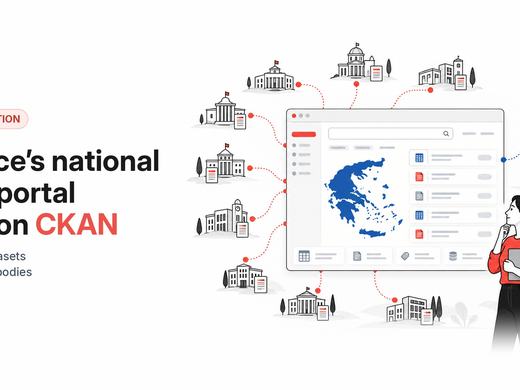
How Greece built its national data portal on CKAN
data.gov.gr now holds 22,000+ datasets from 510+ public bodies, with DCAT-AP metadata, quality scores and harvesting into data.europa.eu
New patch releases are now available for CKAN 2.12.x and 2.11.x, fixing seven security vulnerabilities and several bugs. Upgrade as soon as possible.
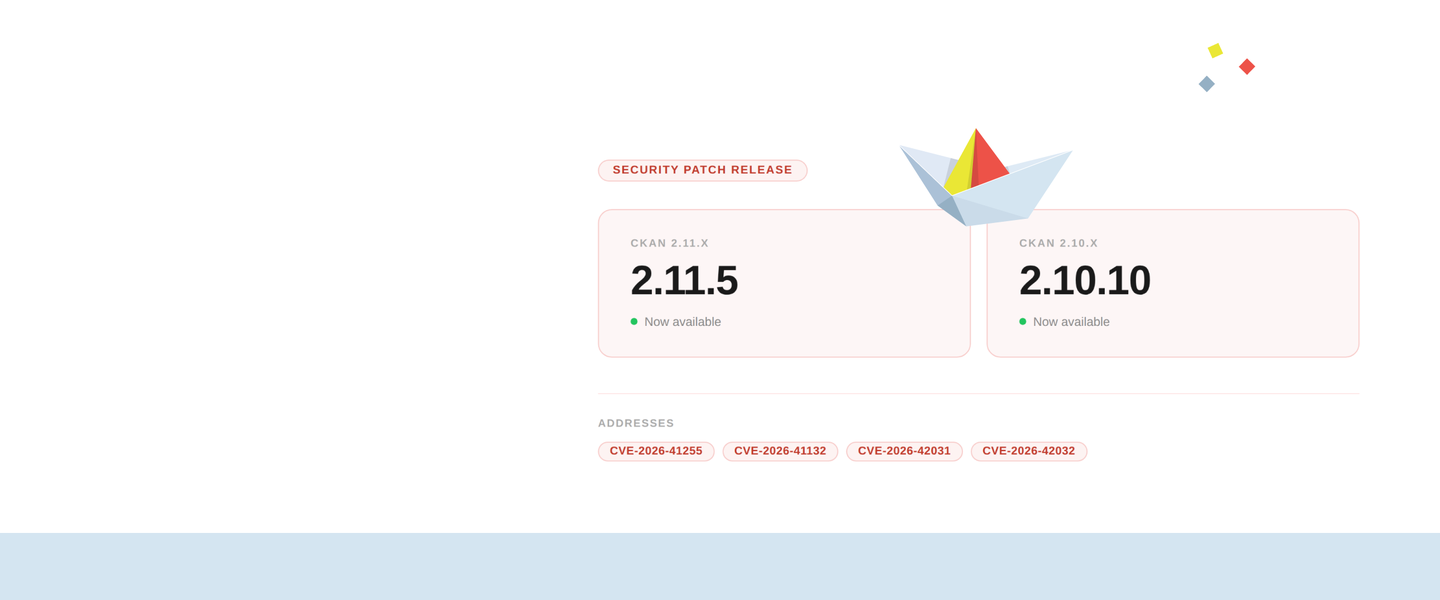
CKAN 2.12.1 and 2.11.7 are now available. Both are patch releases focused on security, and if your portal runs CKAN 2.12 or 2.11, we recommend upgrading as soon as possible.
This post is for portal managers, open data leads and anyone who looks after a CKAN site without working on its code day to day. It explains what changed in plain terms and what to ask your technical team. The full technical detail is in the changelog.
Both releases carry the same seven security fixes. In plain terms, they fall into four groups.
Keeping private data private. Two fixes stop the identifiers of private datasets from being exposed, in one case to people who weren’t logged in. A related fix makes sure the change history of data previews follows the same privacy rules as the dataset it belongs to.
Checking who can do what. One fix closes a gap that let users change a data preview without the right permission. Another strengthens how CKAN verifies who is logged in.
Keeping pages clean. Two fixes stop harmful code from being slipped into CKAN pages, where it could run in a visitor’s browser.
Protecting the database. One fix closes a gap in the data search API that could let specially crafted requests, sent without logging in, reach the database directly.
Everyday reliability. Alongside the security work, a data preview with errors in a file no longer breaks the whole resource page, deleting a dataset that has collaborators now works, error messages when loading data point to the right row, and page-view statistics queries are faster.
A patch upgrade is the smallest change you can make to a CKAN portal, and right now it’s the most useful one.
Patch releases are designed to be easy to apply. These two contain no backwards-incompatible changes and don’t touch the database or the Solr search schema, so there’s no data migration to plan. On installations built from source, your team will update CKAN’s software requirements as part of the upgrade, which is a routine step.
The fixes are now public in the CKAN code. That’s how open source works: improvements are shared so every portal can benefit from them. It’s also why upgrading soon after a release matters.
Not sure which version you’re running? Open yourportal.org/api/3/action/status_show in your browser, replacing yourportal.org with your portal’s address, and look for ckan_version.
Find your situation below and share this post with whoever runs your portal.
If something doesn’t go as expected during the upgrade, or you have questions about which release is right for your portal, ask the community on Gitter / Matrix or the CKAN forum. If you run into a bug, report it on GitHub issues.
If you’d rather have someone take care of the upgrade for you, commercial support is available.
To discuss security related issues please email the CKAN security team directly, rather than opening a public GitHub issue:
✉️ security@ckan.org
data.gov.gr now holds 22,000+ datasets from 510+ public bodies, with DCAT-AP metadata, quality scores and harvesting into data.europa.eu
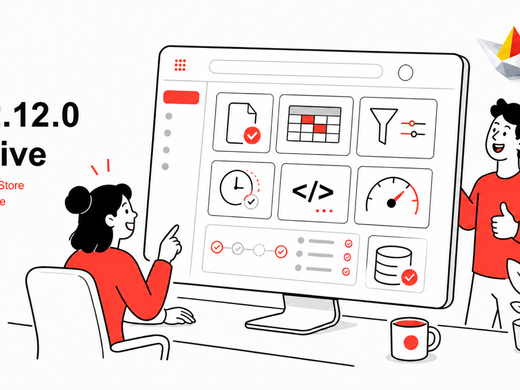
If you run a CKAN portal, 2.12 is the release to pay attention to. Large downloads stop crawling, files become things you can manage in their own right, the interface gets a modern refresh, and older instances get critical security fixes. It's the last 2.x release — and the groundwork for everything 3.0 brings.