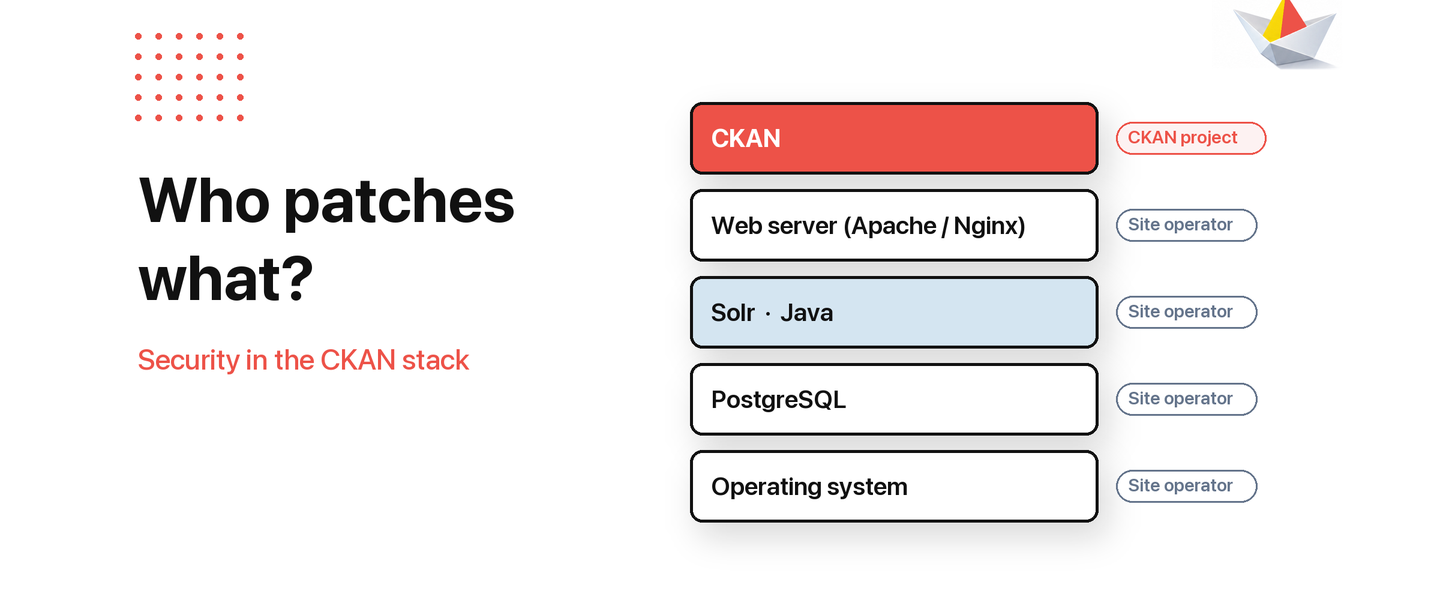
Every CKAN site runs on other open source software as well as CKAN itself. When a security issue is found in that software, some of the work falls to the CKAN project and some to the people who run each site.
This article sets out who takes care of what, and what to do when you hear about a new issue. The current example is Java4Shell, a security issue in Java that affects Solr.
01
How a CKAN site fits together
A typical CKAN site runs on an operating system and uses a database (PostgreSQL), a search engine (Solr) and a web server. Each of these is maintained by its own community, which finds, fixes and announces its own security issues.
Security issues in widely used software are found regularly. In October and November 2026 alone, fixes were released for the Linux kernel, PostgreSQL, the Apache and Nginx web servers, and Java. Most CKAN sites use all of these.
That is a normal part of how open source stays safe. What matters most is that fixes get installed quickly.
Security issues will be found. What matters is how quickly fixes get installed.
02
What the CKAN project takes care of
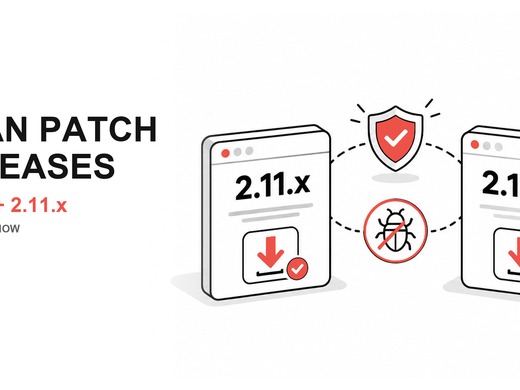
- Security issues in CKAN itself. These are fixed in CKAN releases and announced by the project, as with the recent 2.12.1 and 2.11.7 patch releases.
- Software the project publishes. This includes the official CKAN Docker images. When a component inside them needs a security update, the images are rebuilt.
- Guidance on major issues in software CKAN relies on. When an issue is widespread and closely tied to CKAN, the project shares practical guidance, usually in a GitHub Discussion where people can ask questions.
03
What site operators take care of
Whoever runs a CKAN site, whether an in-house team or a service provider, is responsible for keeping everything around CKAN up to date. That includes the operating system, database, search engine, web server and Java.
Following the security announcements of these projects and installing updates promptly is the best protection for any CKAN site.
04
When you hear about a new security issue
- Check whether it affects software your site uses.
- Ask your technical team or provider whether your version is affected and when it will be updated.
- Install the update as soon as it is available, following the guidance of the project that published it.
- Make sure internal services, such as the database and search engine, are not reachable from the public internet.
05
Current example: Java4Shell
In November 2026, a security issue called Java4Shell (CVE-2026-114938) was found in Java. CKAN itself is not written in Java and Java is not exposed to end users in a normal CKAN installation, but Solr, the search engine CKAN uses, runs on it. Updated versions of Java that fix the issue are available (see the OpenJDK security advisory).
Technical details, how to check whether a site is affected and temporary workarounds will be shared in a CKAN GitHub Discussion. The official CKAN Solr Docker images will be rebuilt once the images they are based on include the fix.