In Category on 19 Oct 2026
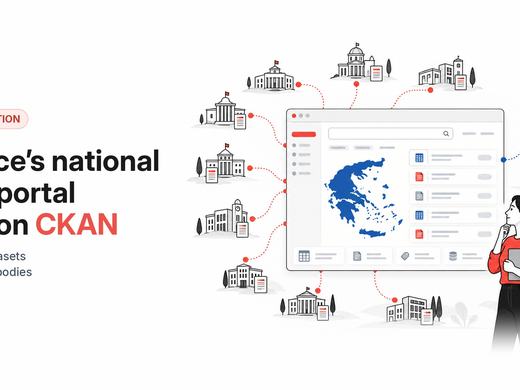
How Greece built its national data portal on CKAN
data.gov.gr now holds 22,000+ datasets from 510+ public bodies, with DCAT-AP metadata, quality scores and harvesting into data.europa.eu
 Once linked, on the data portal the organisation becomes clearly identified by a data.world label and a link to its data.world profile. For convenience, all the datasets published previously to the synchronization will also be automatically linked to the data.world profile.
 Important: At the moment, synchronization is unidirectional. Changes made in CKAN are automatically replicated to data.world, but the reverse is not true. Changes made to CKAN datasets on data.world will stay there and may be overwritten.

 This extension was built by Datashades (also trading as Link Digital) in cooperation with the data.world team. For all general inquiries please email info@linkdigital.com.au.
data.gov.gr now holds 22,000+ datasets from 510+ public bodies, with DCAT-AP metadata, quality scores and harvesting into data.europa.eu
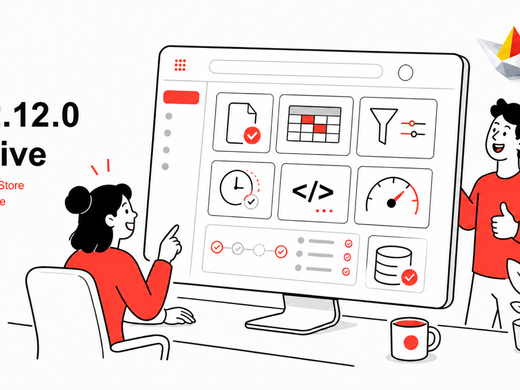
If you run a CKAN portal, 2.12 is the release to pay attention to. Large downloads stop crawling, files become things you can manage in their own right, the interface gets a modern refresh, and older instances get critical security fixes. It's the last 2.x release — and the groundwork for everything 3.0 brings.